Several people recently have asked me for some tips on how to learn to code, so I have put my thoughts here with some links in case they are helpful.
A small caveat before we begin
Before I get going, I should point out: I am not a brilliant coder.
I can only code in one programming language (called R) which I started learning in my late twenties.
But whilst I’m no expert, I have gone from considering myself “not good with computers” to writing code every day of my working life. Coding is now an integral part of my day-job as a clinical scientist, where I develop new cancer tests.
This means I understand how learning to code can feel daunting, especially at the beginning, but I also have experienced just how wonderful it can be when it goes right.
General advice
Coding is for you
Sometimes people can feel that coding “isn’t for them” or that they are “not a computer person”. I personally have felt both those things at various points in my coding journey.
This is a shame, because coding is a wonderful, fun, creative experience which should be open to everyone. Catherine D’Ignazio and Lauren F. Klein have discussed, in their excellent book “Data Feminism”, how common preconceptions about what a “coder” looks like are the product of historical biases and structural inequality. In reality, coding is for everyone.
So if you want to learn to code, then coding is for you.
Can you make it fun? Or useful? Or both?
For me, a hard part of learning to code was not just understanding technical details or abstract concepts - it was persevering when I was frustrated and things didn’t work.
I found that the easiest way to ensure I kept going through the frustration was to make the process fun or useful, and ideally both at the same time.
For example, when I was learning how to make plots in R, I decided to make performance plots for my friend Alvin’s baseball team, the Richmond Dukes. Alvin then kindly included them in his end-of-season review, and taught me a lot about the statistics of baseball (something I had never come across before, but now love). This was a super fun project which taught me some cool stuff about generating plots with R.
Try explaining things in your own words
When I started learning to code, I struggled with the way that things were named.
There were so many baffling new terms, acronyms and phrases which made it hard for me to understand what I was meant to be doing (and this was added on top of the confusion of trying to learn a programming language).
Many of the terms I was coming across seemed deliberately weird: this is because the culture of coding can be quite quite playful - people enjoy giving things funny names or including in-jokes or pop-culture references.
One good example would the python programming language, which is named, not after a snake, but after the British comedy group Monty Python (if you’ve never watched any, click here for a example of a Monty Python sketch). There’s no link between Monty Python and coding, other than the designer of python, Guido van Rossum, liked Monty Python.
The approach which helped me make some sense of all this was to create my own glossary of new words, where I could write down my explanation of what things meant.
I decided I would put every word I didn’t know into this dictionary, no matter how “simple” or “obvious”, and explain them in a way which made sense to me.
My glossary has grown over time to now include over 300 definitions. You can download it here if you’d like some inspiration on how to make your own glossary. I’m still adding to my glossary, and you can see the most recent version here.
You don’t need to pay anything
There are loads of brilliant courses, textbooks, videos and other resources available completely for free on the internet (some are listed below).
In order to code you need a computer, an internet connection and an electricity supply, all of which cost money, but beyond that you shouldn’t need to pay anything extra to learn to code.
Of course, if you find that spending money to join a course is a key motivator in helping you learn, then by all means go for it.
However, it is true that the highest-quality stuff made by the most skilled people is usually given away for free: a good example would be this amazing blog-post that you are reading the tidyverse series of R packages.
You can learn however you like
If signing up to an online 8-week course, sitting a final exam and then getting a certificate is how you like to learn, then go and do that.
However, I personally don’t like the idea of formal exams and grading. I have never sat an exam in R, and have no certificate saying that I know how to code.
Instead, I prefer to learn by working on projects with a real-world application (like trying to develop a new prenatal test), and acquiring new skills whenever I need to.
There are so many options for learning to code (courses, textbooks, Youtube videos, code clubs, AI etc) - use whichever approach (or combination of approaches) suits you best.
Combining code and text can be really helpful
The formal name for combining code and explanatory text within the same document is “literate programming”, and I have found it very helpful when learning to code.
This is because I can write explanations of what I am doing (or what I think I’m doing …) and then intersperse the explanations with small chunks of code.
There are various options for literate programming, but Quarto is a particularly useful tool, which you can use with multiple languages, including R.
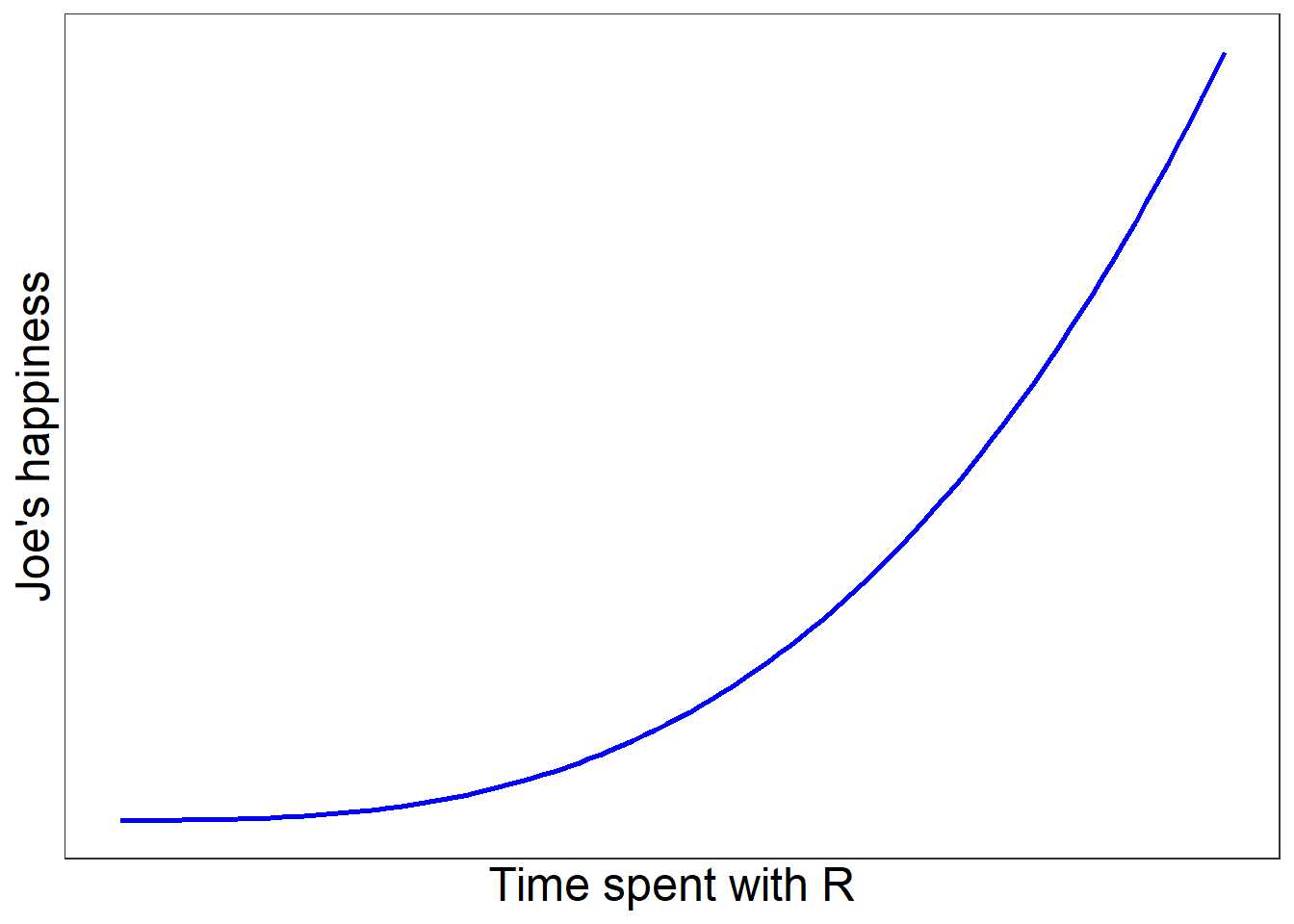
This post is actually written in a Quarto document (as is my coding glossary), and therefore is an example of literate programming: below is some fun code that makes a fun plot.
Click here to see the code
library(tidyverse)
Warning: package 'ggplot2' was built under R version 4.4.3
Warning: package 'stringr' was built under R version 4.4.3
Combining text and code can be empowering if you want to use coding in your job. For example, say you need to do some analysis and then write a report for your boss.
One way would be to do some analysis in a Microsoft Excel file, make a plot, then copy and paste the plot into a Microsoft Word document and write your report.
A different way is to combine the analysis and report within the same document using literate programming.
This means that if you need to change some part of the analysis, you can edit one file and then both your analysis and final report will automatically update. I’m a huge fan of this approach, and I use it every day for writing documentation for genetic tests.
It’s fine to need help
I found that learning to code was fun and exciting, but it was also difficult and I was lucky enough to get support which kept me going with it.
I got a lot of help on coding in R from my brother, Luke Shaw (not the footballer, this guy). And my friend and colleague Stefan Piatek gave me some great tips when I was getting confused.
Stefan also taught me on the in-person “Software Carpentry” course which I’ve put a link to down below.
So please don’t think that you have to figure everything out on your own (I certainly didn’t). It is totally fine to make mistakes and to need some help.
My (humble, fallible, human) opinion on AI
AI is transforming how people code and will continue to do so in the coming years. I learned to code without AI, so I know less about this area.
However, in my (humble, fallible, human) opinion, I think using AI to learn to code is OK as long as you feel like you’re learning.
If it feels more like you’re just copying and pasting whatever code the AI gives you (which is now known as vibe coding), then it may be that you aren’t learning anything.
AI can be an excellent tool, but I think ultimately the learning has to happen inside your own brain, not inside a large language model.
Specific advice for learning R
Here is some more specific advice if you want to learn R for free (and work in the NHS).
Download R and RStudio (if you’re using a work computer, you’ll need to ask IT to do this)
Use the setup advice in the “Software Carpentry” website (link below), then skip to chapter 8 and try to make some cool plots with the “gapminder” dataset.
Take the skills you’ve learned and try to make some plots on data that you have access to and that you find meaningful.
Show people your cool plots!
Apply the skills you’ve learned to a project that you think will be fun or useful (ideally both).
At any point when you get stuck, use the internet to find a solution or ask someone for help.
Resources
This list of resources is not exhaustive: these are simply resources that I have used and found helpful.
This is a really useful free course – I first did the 2-day in-person version of this course (for free) through my old job, and I found it a great introduction to both R and general coding ideas. However, all the resources are freely available online whether or not you sign up to the course. I would recommend taking a look at some of the different chapters, starting with chapter 8 (“Creating Publication-Quality Graphics with ggplot2”).
A brilliant free textbook written by Hadley Wickham, who has created many of the most popular tools in R. You can either read it start to finish or dip into particular topics as you need.
The NHS R community are all really friendly and have lots of great resources on their website. They have a Slack channel where people post questions/problems they are having, and regular “Coffee and Code” Teams meetups where they talk about what code they’re working on.
This is a lovely textbook that I have a hardback copy of. It doesn’t focus on a specific language and instead is more of a practical and philosophical discussion on how to write good code.